Archive Payees
You can archive payees that have not had any Payroll or adjustments in the current year. This will keep their Payroll history intact, but they'll be hidden without opting in to seeing Archived Payees.
For employees that have had pay in the current year, entered a Termination Date on the Employment Tab of their Employee record will exclude them as a default when running payroll or reports.
Access Archive Payees
To access from the Button Bar, go to Special Functions > Archive Payees

Archive Payees
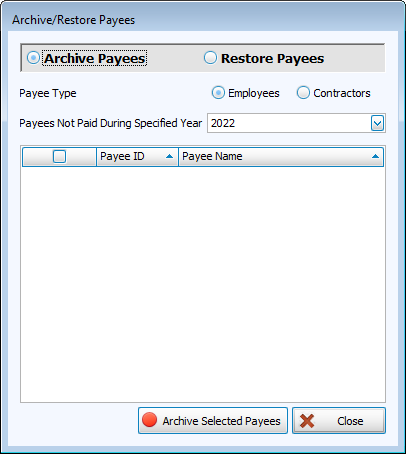
-
Select either Employees or Contractors
-
Check the box for the payees you want to archive.
-
Click
 .
. -
Confirm the change.
Restore Archived Payees
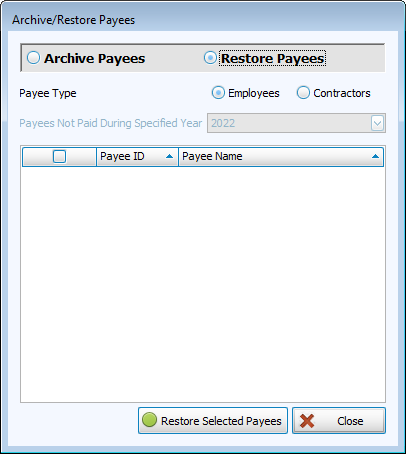
-
Click the radio button for Restore Payees
-
Select either Employees or Contractors
-
Check the box for the payees you want to restore.
-
Click
 .
. -
Confirm the change.